
Hi everyone,
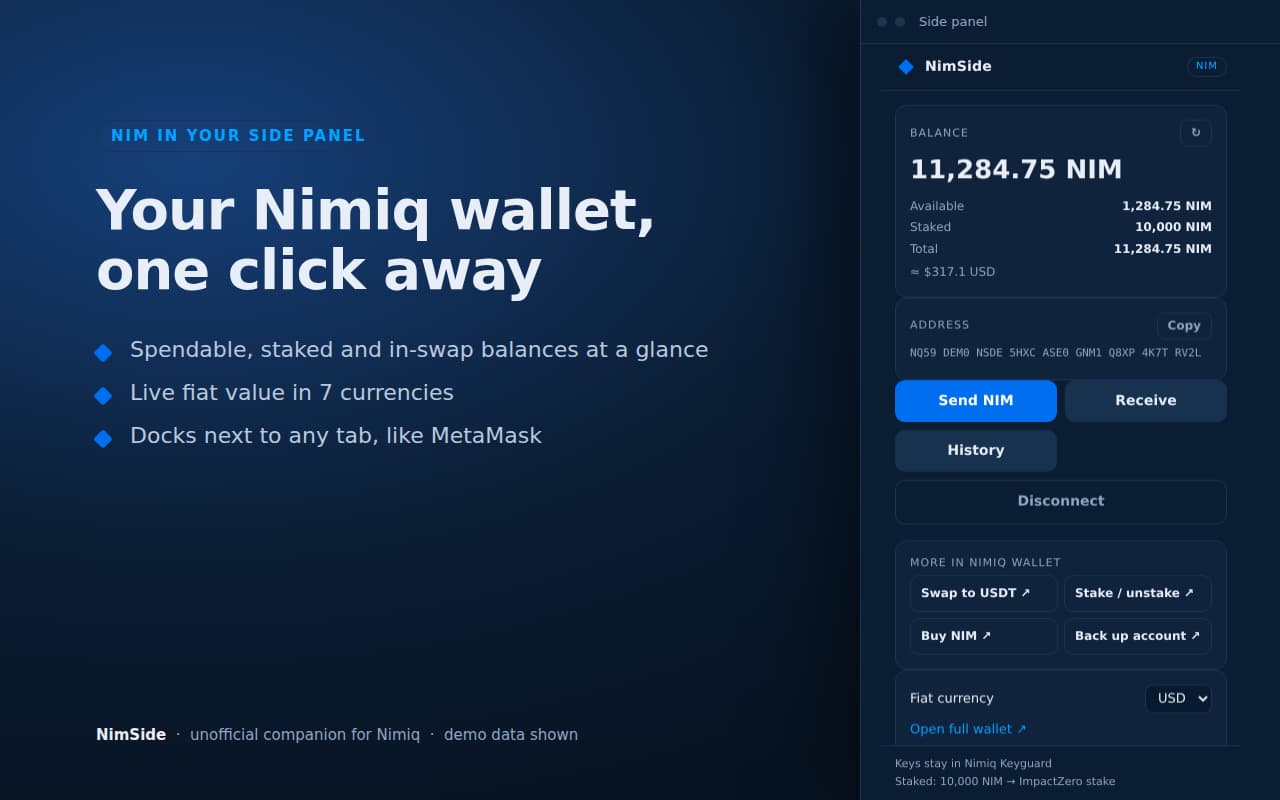
I’d like to share a small tool I built for daily Nimiq use: NimSide, a Chrome extension that keeps your NIM wallet in Chrome’s side panel, beside whatever tab you are on. It is now live on the Chrome Web Store.
Install: NimSide on the Chrome Web Store
Details and privacy policy: nimiq.subimpact.net/nimside
What it does
- Balance at a glance: spendable, locked in swaps (HTLC), staked and total, with a fiat value in USD, EUR, GBP, MYR, SGD, JPY or AUD
- Staking overview: how much you have staked and your validator’s name
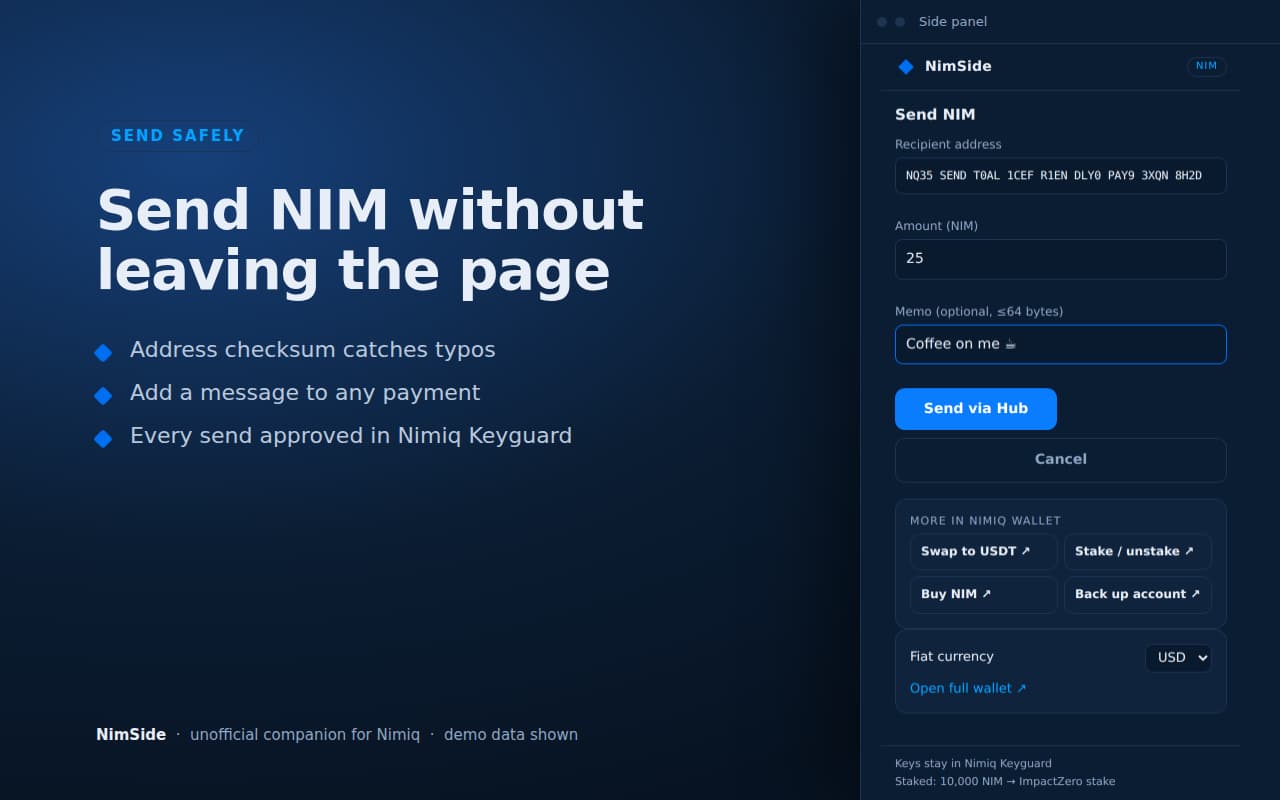
- Send NIM with address checksum validation and an optional message
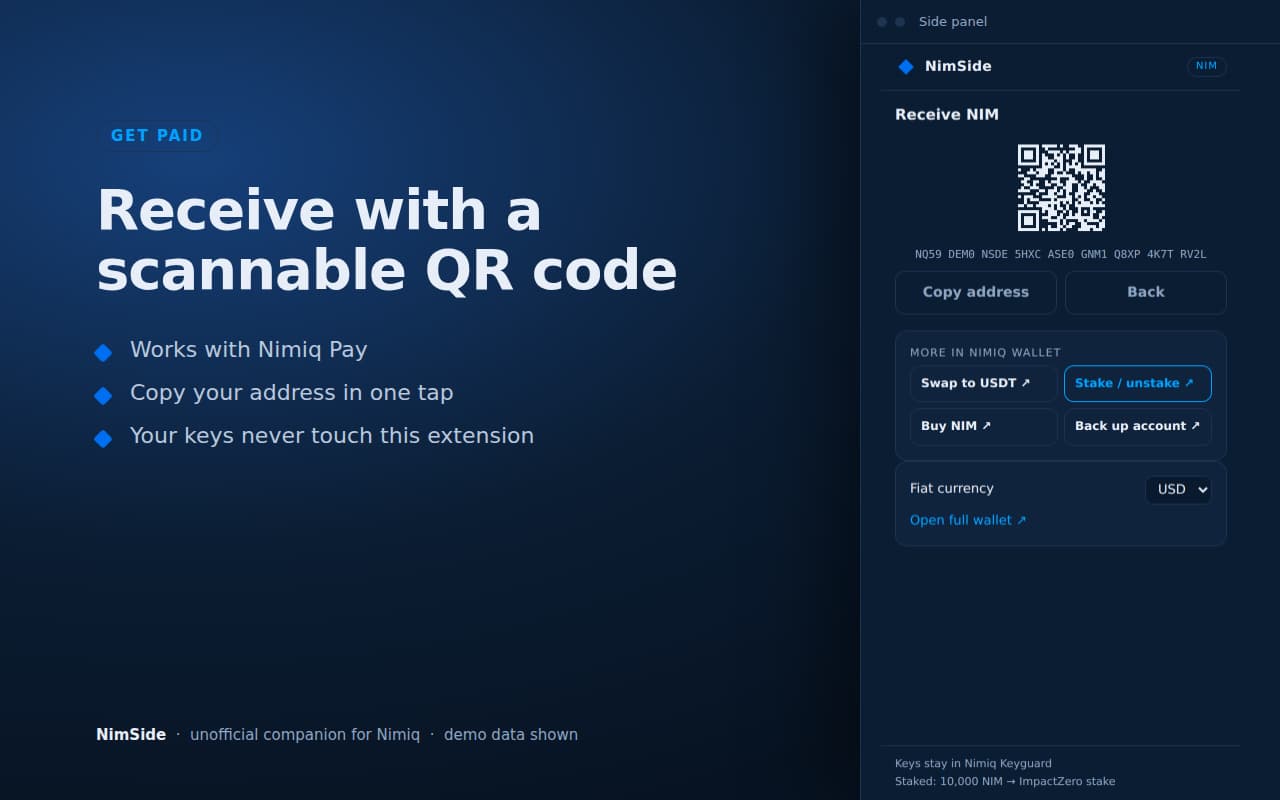
- Receive with a scannable QR code (works with Nimiq Pay)
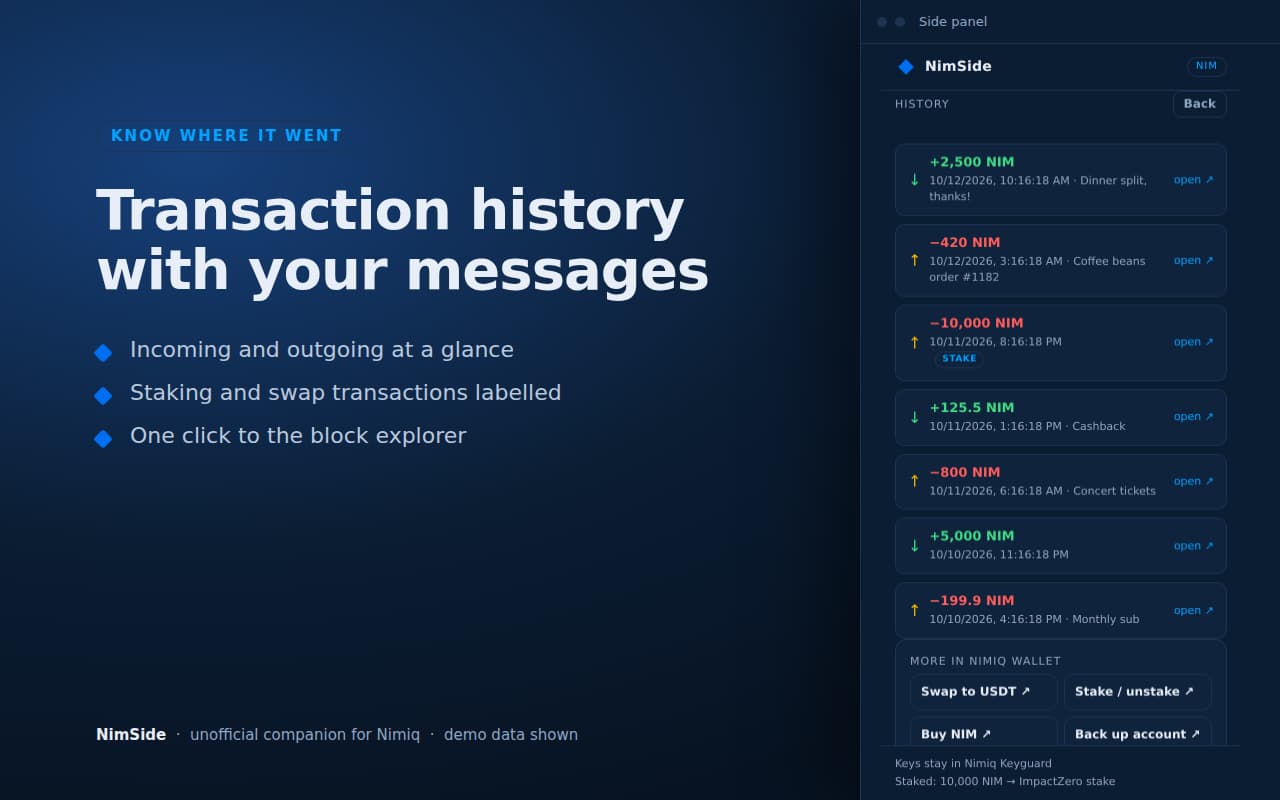
- History: recent transactions with links to the block explorer
- Shortcuts to swap, stake, buy and back up in the official Nimiq Wallet (NimSide does not swap or stake itself)
How it handles keys
NimSide is a view, not a vault.
- It never sees or stores private keys, recovery words or passwords.
- Connecting and every send are approved in the official Nimiq Hub / Keyguard popup (hub.nimiq.com, keyguard.nimiq.com).
- It stores only your public address, your fiat currency and a short-lived balance/history cache, locally in
chrome.storage. - No analytics, no remote code: all JavaScript ships in the package.
Permissions and network
Two permissions: sidePanel and storage. It talks to exactly five hosts:
-
rpc.nimiqwatch.com: public RPC for balance, staking and history of your public address -
hub.nimiq.comandkeyguard.nimiq.com: connect and approve -
api.coingecko.com: NIM price for the fiat value -
validators-api-main.je-cf9.workers.dev: the validators list, for your validator’s name
Why the split balance
This picks up an idea raised here earlier, distinguishing Spendable vs Total balance: NimSide shows spendable NIM separately from staked and swap-locked NIM, so the number you can actually send is the first thing you see. It is also a small, practical step towards the “wallet one click away in the browser” idea discussed in this thread, without the extension ever holding keys.
Status and feedback
This is version 1, free, and an independent project: it is not affiliated with, endorsed by or operated by the Nimiq Foundation or Nimiq Labs. It is built for Chrome; other Chromium browsers are untested.
Bug reports and feature requests are very welcome, here in this thread or at [email protected]. Things I am considering next depend on what people actually use, so tell me what is missing.
Thanks for reading.